

Managing access to a busy facility involves more than opening and closing a gate. Organisations need to verify identities, manage visitors, record entry and exit, and keep essential security equipment operating during power interruptions.

Why Most IT Companies in Durban Fail at Infrastructure Planning
Infrastructure planning failures cost South African businesses millions of rand annually while preventing growth that modern technology should enable. The Hidden Crisis in IT Infrastructure Planning Most business owners in Durban and Johannesburg share the same frustrating experience with technology infrastructure. They invest significant money in IT systems that promise to support business growth.Six months later, performance problems emerge that nobody anticipated. Twelve months later, they’re spending more money to fix problems that proper planning should have prevented. The pattern repeats because most IT companies in Durban approach infrastructure planning backward. They start with technology solutions and try to fit business requirements into predetermined frameworks. Effective infrastructure planning starts with understanding how businesses actually operate and grow. Technology decisions come after business analysis, not before. This fundamental misunderstanding creates predictable failure patterns that affect companies across all industries. An IT support company in Durban recently analyzed 200 infrastructure projects completed over three years. Nearly 70% experienced significant performance or capacity problems within 18 months. The failures weren’t caused by faulty equipment or poor installation. They resulted from planning processes that didn’t account for real business growth patterns and operational requirements. Common Infrastructure Planning Mistakes Underestimating Growth Patterns Most infrastructure planning assumes linear business growth over predictable timeframes. Real businesses experience seasonal fluctuations, sudden expansion opportunities, and unexpected demand spikes. E-commerce businesses might see 300% traffic increases during holiday periods. Manufacturing companies often add new product lines that double data processing requirements overnight. Professional services firms frequently acquire other companies and need immediate capacity for additional users. Traditional capacity planning models can’t accommodate these growth realities. Static infrastructure design creates bottlenecks exactly when businesses need maximum performance. IT companies in Johannesburg working with retail clients have learned to plan for seasonal capacity requirements that exceed normal operations by 400%. This planning prevents the revenue losses that occur when systems can’t handle peak demand periods. Ignoring Interdependency Complexities Modern business systems create dependencies that aren’t obvious during initial planning phases. Accounting software depends on customer relationship management systems for accurate revenue reporting. Inventory management systems require real-time integration with e-commerce platforms and supplier databases. Communication systems need coordination with project management tools and document storage solutions. When planners focus on individual system requirements, they miss the integration complexities that cause system-wide failures. Network capacity planning must account for data transfers between integrated systems, not just individual application requirements. Security planning must protect data flows between systems, not just individual database access. Backup planning must ensure coordinated recovery of integrated systems, not just individual application restoration. Most infrastructure failures occur at integration points that receive insufficient planning attention. Miscalculating Total Cost of OwnershipInitial infrastructure costs represent only a fraction of long-term technology investments. Ongoing maintenance, software licensing, security updates, and capacity expansion create significant expenses that poor planning doesn’t anticipate. Power consumption and cooling requirements increase operational costs that basic planning often overlooks. Staff training and support requirements create hidden expenses that affect project profitability. Integration complexity adds development and testing costs that simple infrastructure planning doesn’t predict. IT support services in Durban report that actual five-year infrastructure costs typically exceed initial projections by 60-80%. This cost inflation occurs because planning focuses on immediate technical requirements rather than long-term operational realities. Effective planning includes detailed analysis of ongoing operational expenses and growth-related cost escalation. Overlooking Local Infrastructure ConstraintsSouth African businesses face infrastructure challenges that international planning methodologies don’t address. Load shedding affects system availability and backup power requirements in ways that standard planning doesn’t anticipate. Internet connectivity limitations influence cloud strategy decisions and local storage requirements. Geographic distribution of business locations creates networking challenges that generic planning templates can’t solve. Skilled technical staff availability affects support and maintenance planning for complex infrastructure implementations. Regulatory requirements like POPIA influence data storage and processing decisions that affect infrastructure design. Most IT companies in Durban use planning frameworks developed for international markets with reliable power and connectivity. These frameworks produce infrastructure designs that can’t operate effectively in South African business environments. Local planning must account for infrastructure constraints that don’t exist in developed markets. Systematic Infrastructure Assessment Methodology Business Requirements AnalysisEffective infrastructure planning starts with comprehensive business analysis rather than technology evaluation. Document current business processes and identify technology dependencies for each revenue-generating activity. Map data flows between different business functions to understand integration requirements. Identify seasonal variations and growth patterns that affect capacity planning. Analyze compliance requirements that influence security and data handling infrastructure needs. Calculate the financial impact of system downtime for different business functions during various time periods. This analysis reveals actual infrastructure requirements rather than perceived technology needs. Most businesses discover that their stated technology priorities don’t match their actual operational dependencies. Revenue impact analysis guides infrastructure investment priorities and helps justify necessary spending. Capacity Planning with Growth ModelingTraditional capacity planning uses historical data to predict future requirements. Effective planning models multiple growth scenarios and designs infrastructure that can adapt to different possibilities. Conservative growth scenarios help establish minimum infrastructure requirements. Aggressive growth scenarios identify maximum capacity needs and expansion pathways. Seasonal variation analysis ensures infrastructure can handle predictable demand fluctuations. Market disruption scenarios test infrastructure resilience during unexpected business changes. This multi-scenario approach creates infrastructure designs that support business success regardless of which growth pattern actually occurs. IT companies in Johannesburg using this methodology report 90% client satisfaction rates compared to 60% satisfaction with traditional planning approaches. Performance Baseline EstablishmentAccurate infrastructure planning requires detailed understanding of current system performance characteristics. Network utilization monitoring reveals actual bandwidth requirements rather than theoretical calculations. Application performance monitoring identifies bottlenecks that affect user productivity. Storage performance analysis shows data access patterns that influence infrastructure design. Security monitoring reveals threat patterns that affect protection requirements. Integration monitoring demonstrates data flow characteristics that influence capacity planning. Baseline performance data guides infrastructure sizing decisions and helps predict the impact of proposed changes. Most infrastructure planning fails because it relies on vendor specifications rather than actual performance measurements. Technology Selection and Integration Strategy Scalability Assessment FrameworkInfrastructure technology must

IT Disaster Recovery Planning for Durban and Johannesburg Businesses
IT disaster recovery planning represents the difference between businesses that survive unexpected disruptions and those that permanently close their doors. Understanding Disaster Recovery in the South African Context Every business owner in Durban and Johannesburg faces the same uncomfortable reality. Power outages, flooding, equipment failures, and cyber attacks don’t announce themselves. They arrive without warning and test whether your business can continue operating when technology fails. Most companies discover their vulnerability only after disaster strikes. An IT support company in Johannesburg recently shared data showing that 60% of businesses experiencing major data loss close within six months. The problem isn’t that business owners don’t understand the risks. The problem is that effective disaster recovery planning requires systematic thinking that most people haven’t developed. Traditional backup solutions address only part of the challenge. Real disaster recovery planning covers data protection, system restoration, communication protocols, and business continuity procedures. This comprehensive approach ensures your business maintains operations regardless of what happens to your primary IT infrastructure. Core Components of Effective Disaster Recovery Planning Risk Assessment and Business Impact Analysis Start by identifying what could actually go wrong. South African businesses face unique challenges that international disaster recovery templates don’t address. Load shedding affects different areas of Durban and Johannesburg on predictable schedules. Seasonal flooding impacts specific geographic regions during certain months. Infrastructure limitations create dependencies that don’t exist in other countries. Your risk assessment must account for these local realities. Document every system your business uses to generate revenue. List the maximum downtime each system can experience before causing a serious financial impact. Calculate the cost of losing access to each system for one hour, one day, and one week. This analysis reveals which systems require immediate restoration and which can wait. Most businesses discover that their perceived priorities don’t match their actual financial dependencies. Recovery Time and Recovery Point Objectives Recovery Time Objective (RTO) defines how quickly you need systems restored. Recovery Point Objective (RPO) defines how much data you can afford to lose. These measurements drive every other disaster recovery decision. An IT support company in Durban working with manufacturing clients typically sees RTO requirements of 2-4 hours for production systems. Financial services companies often need RTOs measured in minutes rather than hours. Retail businesses might tolerate longer RTOs during off-peak periods but need immediate restoration during high-traffic times. Your RTOs and RPOs should reflect actual business impact rather than technical preferences. Document the financial cost of missing each objective. Use these costs to justify disaster recovery investments. Most business owners approve of necessary spending once they understand the real financial stakes. Data Backup Strategies Effective backup strategies follow the 3-2-1 rule with South African modifications. Maintain three copies of critical data. Store copies on two different types of media. Keep one copy in a geographically separate location. Local modifications account for infrastructure limitations and connectivity challenges. Cloud storage provides geographic separation but requires reliable internet connectivity. Physical backup rotation ensures data protection even during extended connectivity outages. Consider partnerships with IT companies in Durban or Johannesburg for offsite storage if cloud solutions don’t meet your needs. Test your backup systems monthly rather than assuming they work. Many businesses discover backup failures only when they need to restore data. Automated backup verification catches problems before emergencies occur. Document backup procedures so multiple team members can execute them. Single points of failure in backup management create unnecessary risks. System Recovery Procedures Recovery procedures must be detailed enough for stressed people to follow during actual emergencies. Step-by-step documentation prevents critical mistakes when everyone feels pressure to restore systems quickly. Include contact information for vendors, service providers, and key personnel. Emergency situations aren’t the time to search for phone numbers or login credentials. Prioritize system restoration based on business impact rather than technical complexity. Revenue-generating systems receive priority over administrative convenience systems. This prioritization prevents teams from spending hours restoring email while critical production systems remain offline. Test recovery procedures quarterly using actual failure scenarios. Simulated disasters reveal gaps that appear obvious only in hindsight. Most IT support services recommend complete recovery tests at least twice per year. Implementation Framework for South African Businesses Compliance and Legal Requirements South African businesses must consider POPIA (Protection of Personal Information Act) requirements when designing disaster recovery plans. Data protection regulations affect backup storage locations, access controls, and recovery procedures. Non-compliance creates legal risks that extend beyond the original disaster. Document how your disaster recovery plan maintains POPIA compliance during emergency operations. Include procedures for notifying relevant authorities if personal information becomes compromised. Plan for communication with affected individuals if data breaches occur during disaster recovery. Most businesses underestimate the legal complexity of disaster situations. Proper planning prevents legal problems from compounding operational challenges. Communication Protocols Establish clear communication procedures for different types of disasters. Team members need to know how to contact each other when normal communication systems fail. Customers need updates about service availability and expected restoration times. Vendors and partners need coordination to support recovery efforts. Create communication templates for common disaster scenarios. Pre-written messages reduce confusion and ensure consistent information sharing. Designate specific team members responsible for different types of communication. Clear responsibilities prevent important communications from being overlooked during stressful situations. Consider multiple communication channels to ensure messages reach their intended recipients. Email, SMS, social media, and phone calls each have different reliability characteristics during various types of disasters. Staff Training and Responsibilities Every team member should understand their role in disaster recovery procedures. Technical staff need detailed system recovery procedures. Administrative staff need communication and coordination procedures. Management needs decision-making frameworks for unusual situations. Conduct disaster recovery training sessions at least quarterly. Hands-on practice builds confidence and reveals procedural gaps. Most people forget training details within weeks if they don’t practice regularly. Cross-train multiple people for critical recovery tasks. Single points of failure in human resources create unnecessary vulnerabilities. Key personnel might be unavailable during actual disasters due to personal emergencies or transportation problems. Technology Solutions for Disaster Recovery Cloud-Based Recovery Solutions Cloud technology simplifies

Choosing Effective Computer Equipment for Business Success
In today’s competitive landscape, having the right computer equipment isn’t just a convenience—it’s a strategic necessity. Whether you’re a startup scaling operations or an established enterprise upgrading infrastructure, investing in effective business computer equipment can dramatically improve productivity, security, and ROI. Why Computer Equipment Matters for Businesses Modern businesses rely on technology to streamline workflows, support remote teams, and protect sensitive data. The right hardware ensures: Essential Computer Equipment for Business Use Here’s a breakdown of the most effective computer equipment categories for business environments: When choosing hardware, consider these factors: Final Thoughts Investing in effective computer equipment is more than a tech upgrade—it’s a business enabler. From empowering your workforce to safeguarding your data, the right tools lay the foundation for growth, agility, and innovation. Ready to Elevate Your Business? If you’re a Durban or Johannesburg business looking to grow, your IT Equipment should be your most powerful tool. Whether you’re launching a new venture or refreshing your digital identity, investing in strategic IT Equipment will pay dividends in visibility, credibility, and conversions.
Complete Guide to Cloud Data Migration Services in South Africa
Why Cloud Migration Matters in South Africa For South African businesses, cloud data migration isn’t just an IT upgrade—it’s a lifeline for resilience and growth. With challenges like load shedding, limited infrastructure, and the need for business continuity, the cloud offers more than storage: it provides agility, compliance, and scalability. Cloud data migration is the structured process of moving applications, workloads, and business-critical data from on-premises servers to cloud platforms. Done right, it minimizes risks and future-proofs your operations. Done poorly, it can disrupt operations, cause data loss, or trigger compliance penalties. This guide outlines the step-by-step process, risks, compliance considerations (like POPIA), and South Africa–specific strategies to help your business transition smoothly. Understanding Cloud Migration in the South African Context Unlike generic global guides, South African businesses face unique realities: Migrating to the cloud here isn’t just “copying files.” It’s rethinking data architecture, application dependencies, and business continuity. Pre-Migration Assessment & Planning Before migration begins: Pro Tip: Many South African SMEs underestimate connectivity costs. Always calculate bandwidth needs for sustained cloud usage, not just the migration event. Migration Execution A structured, phased approach minimizes risks. Step 1: Infrastructure Setup Step 2: Data Migration Step 3: Application Migration Risk Mitigation Strategies Cloud migration projects often fail due to poor risk planning. Safeguards include: Compliance Requirements in South Africa POPIA Considerations Industry-Specific Rules Choosing the Right Migration Partner The right partner can make or break your migration. Look for: Post-Migration Optimization & Management Migration isn’t the finish line—it’s the start of optimization. FAQ Ready to Move Your Business to the Cloud? At Innov8ivess, we don’t just migrate data—we help South African businesses unlock the full value of cloud computing. From compliance with POPIA to building resilient, future-ready infrastructures, our team ensures your cloud journey is secure, seamless, and strategically aligned with your business goals. Whether you’re a growing SME or an established enterprise, we’ll tailor a migration roadmap that minimizes risks, reduces costs, and sets you up for long-term success. Let’s build your future in the cloud, together.

Understanding Computer Viruses: How They Work and How to Stay Protected
What Is a Computer Virus? A computer virus is a type of malicious software (malware) designed to replicate itself and spread from one system to another. Much like a biological virus, it can infect files, programs, and even entire networks, causing damage, stealing data, or disrupting operations. Common Types of Computer Viruses Understanding the different types of computer viruses is key to protecting your devices. Here are the most common: Signs Your Computer Might Be Infected If you notice any of the following, your system may be infected: How to Prevent Computer Viruses Protecting your computer from viruses requires a combination of good habits and reliable tools: Best Virus Removal Tools If your system is infected, these tools can help: Final Thoughts Computer viruses are a serious threat in today’s digital world, but with the right knowledge and tools, you can protect your devices and data. Stay informed, stay cautious, and always keep your cybersecurity defence’s up to date. Contact us for assistance or more information.
Optimizing Your Business with Professional Network Cabling and Infrastructure Solutions
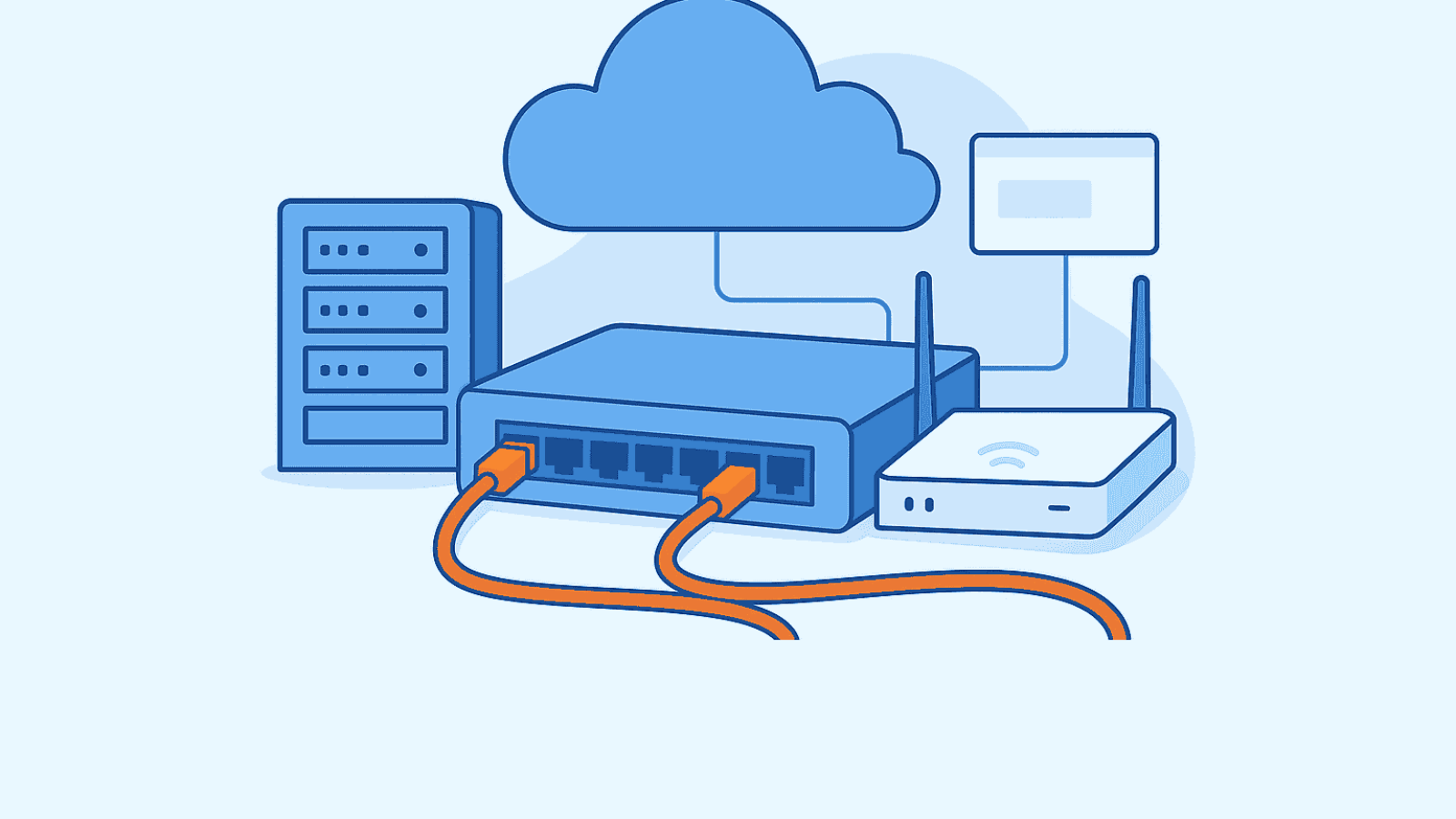
Optimizing Your Business with Professional Network Cabling and Infrastructure Solutions In today’s fast-paced digital world, a reliable and scalable network infrastructure is the backbone of any successful business. Whether you’re a small startup or a large enterprise, investing in high-quality network cabling and IT infrastructure ensures seamless communication, enhanced productivity, and future-proof scalability. Why Network Infrastructure Matters Network infrastructure encompasses all the hardware and software resources that enable network connectivity, communication, operations, and management. This includes: A well-designed infrastructure supports your business operations, minimizes downtime, and allows for efficient data flow across departments. Benefits of Professional Network Cabling Structured cabling is more than just wires—it’s a strategic investment. Here’s why: Types of Network Cabling Solutions Depending on your business needs, you may require: Choosing the Right Network Infrastructure Partner When selecting a provider for your network cabling and infrastructure needs, consider: Final Thoughts Investing in professional network cabling and infrastructure is not just about connectivity—it’s about empowering your business to operate efficiently, securely, and with room to grow. Whether you’re upgrading an existing system or building a new one from scratch, partnering with the right experts can make all the difference Contact us for assistance or more information.

Why IT Outsourcing Is the Best Option for Businesses
In today’s fast-paced digital economy, businesses are under constant pressure to innovate, reduce costs, and stay competitive. One of the most effective strategies to achieve these goals is IT outsourcing. By partnering with a professional IT outsourcing company, businesses can streamline operations, access expert support, and focus on core growth activities. What Is IT Outsourcing? IT outsourcing services involve delegating your company’s IT functions—such as network management, cybersecurity, cloud services, and helpdesk support—to a third-party provider. This approach allows businesses to benefit from specialized expertise without the overhead of maintaining an in-house IT department. Top Reasons Why IT Outsourcing Is the Best Option Hiring and training internal IT staff can be expensive. Outsourcing reduces operational costs by offering affordable IT solutions tailored to your business needs. You only pay for the services you use, making budgeting more predictable. Outsourced IT providers employ certified professionals with deep knowledge in areas like network infrastructure management, cybersecurity, and cloud computing. This ensures your business benefits from the latest technologies and best practices. As your business grows, your IT needs evolve. Managed IT services offer scalable solutions that can adapt to your changing requirements—whether you’re expanding offices, adding users, or upgrading systems. Cyber threats are becoming more sophisticated. Outsourcing to a cybersecurity-focused IT provider ensures your data and systems are protected with advanced security protocols, regular monitoring, and compliance with industry standards. Downtime can be costly. Most remote IT support providers offer round-the-clock monitoring and helpdesk services, ensuring issues are resolved quickly and efficiently. Common IT Services Businesses Outsource Is IT Outsourcing Right for Your Business? If your business is: …then outsourcing IT services could be the strategic solution you need. Final Thoughts IT outsourcing is more than a cost-cutting measure—it’s a strategic investment in your business’s future. By partnering with a reliable IT service provider, you gain access to cutting-edge technology, expert support, and the flexibility to grow without limitations. Whether you’re a startup or an established enterprise, IT outsourcing can help you stay agile, secure, and competitive. Contact us for assistance or more information.
Refurbished vs New IT Equipment: Which Delivers Better Value for Your Business?
In today’s cost-conscious and sustainability-driven business environment, choosing between refurbished IT equipment and new business computers is more than a budget decision—it’s a strategic one. Whether you’re upgrading infrastructure, onboarding new staff, or scaling operations, understanding the pros and cons of each option can help you make smarter, future-proof investments. Cost Efficiency: Refurbished Wins on Budget Refurbished IT hardware typically costs 30–60% less than new devices, making it ideal for startups, SMEs, and IT teams managing tight budgets. These savings allow businesses to reallocate funds toward cloud services, cybersecurity, or employee training. Sustainability: A Greener Choice Choosing refurbished equipment supports green IT initiatives by reducing e-waste and extending the lifecycle of devices. According to Officially Refurbished, buying refurbished can reduce your carbon footprint by up to 80% compared to purchasing new. Performance & Reliability: New Has the Edge—But Not Always New IT equipment offers cutting-edge specs, longer warranties, and broader configuration options. However, refurbished devices from certified vendors often perform on par with new models, especially when used for standard business tasks like email, CRM, and document management. Warranty & Support: Know What You’re Getting New devices typically come with 1–3 year warranties, while refurbished equipment may offer 90 days to 1 year, depending on the supplier. Reputable refurbishers often include support packages and quality assurance testing to ensure reliability. Final Thought For businesses seeking cost-effective IT solutions without compromising on reliability, refurbished equipment offers a compelling alternative. However, for teams requiring cutting-edge performance or long-term scalability, new devices may be the better fit. The key is aligning your tech investments with your operational goals and budget realities. For more information, contact us
How to Secure Your Business Network in 2025
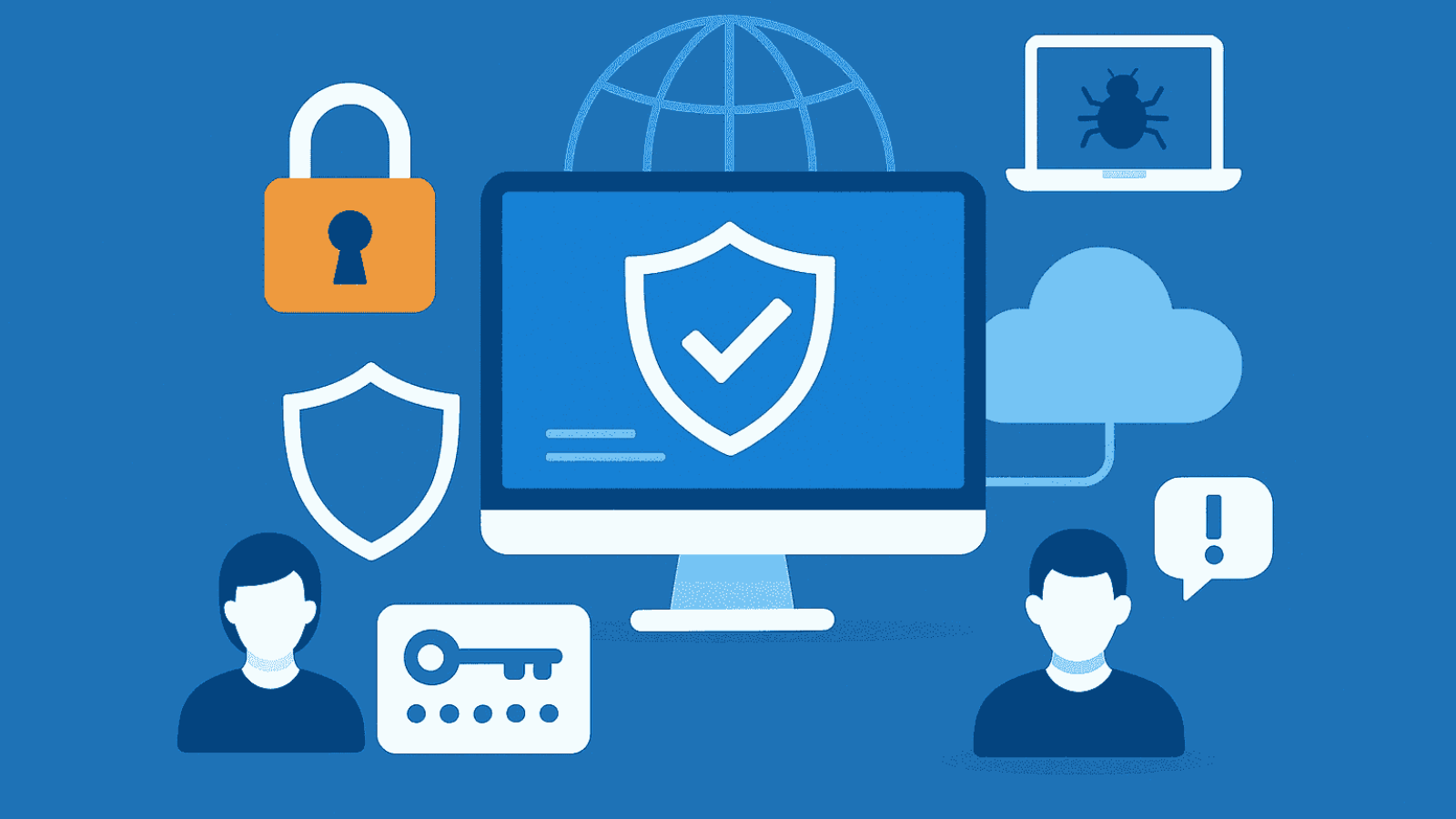
Introduction: The New Cybersecurity Landscape In 2025, cyber threats are more sophisticated, targeting businesses of all sizes. With hybrid work, cloud adoption, and IoT expansion, securing your network is no longer optional—it’s mission-critical. 1. Fortify Endpoint Protection 2. Secure Your Cloud Infrastructure 3. Empower Your Team with Cyber Awareness Conclusion: Build a Resilient Network Strategy A secure network is the backbone of business continuity. Partnering with a managed IT provider ensures proactive protection, compliance, and peace of mind. Contact us for more information.
